AI & automationEden, the AI assistant built into the Wekio platform
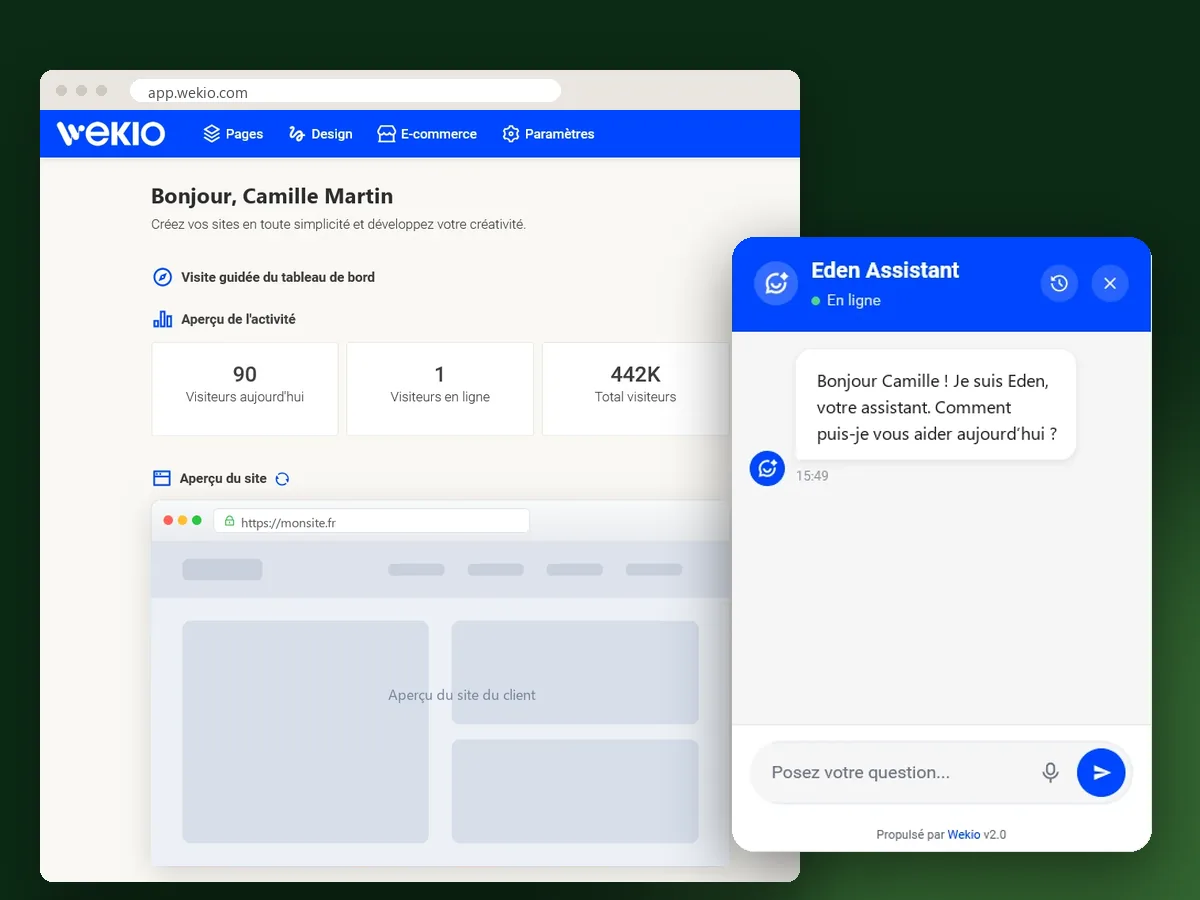
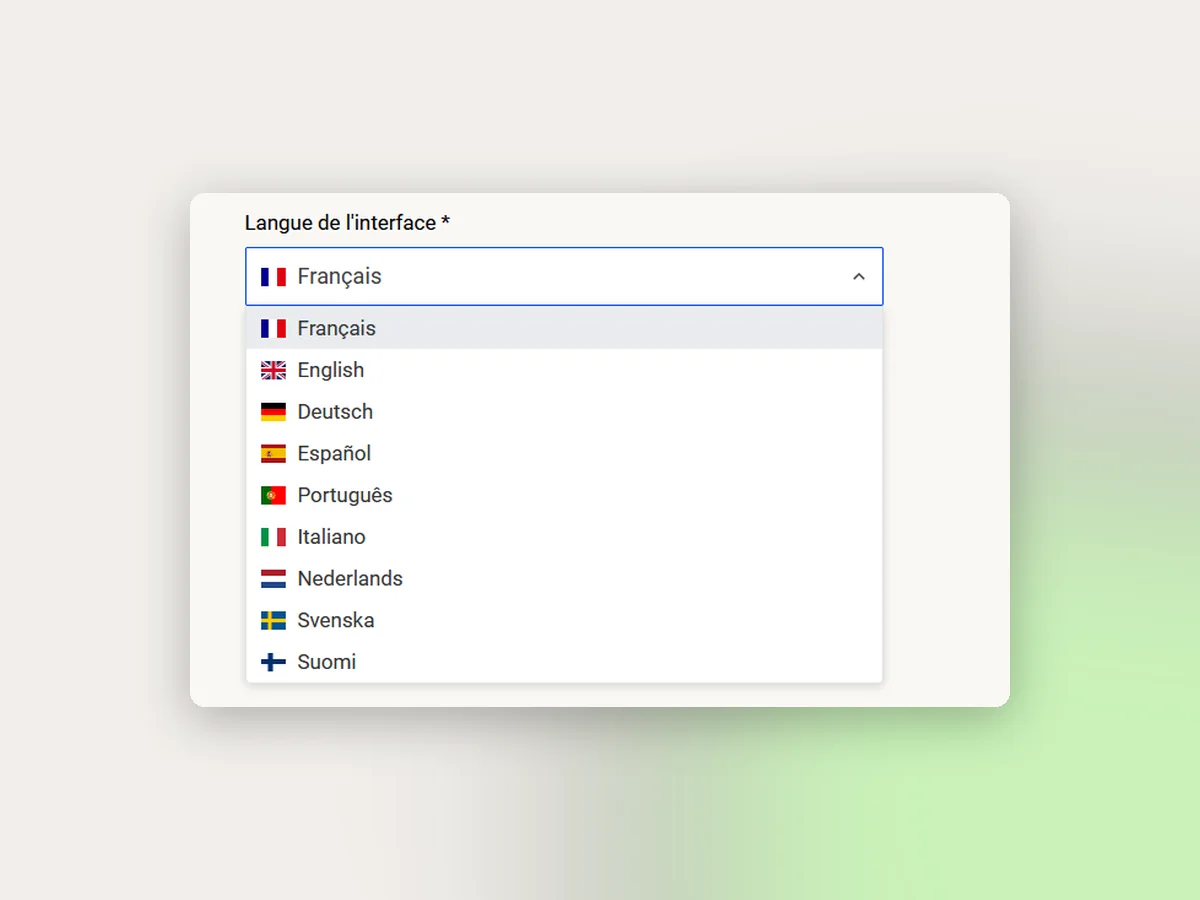
A conversational assistant designed by Kopus for Wekio, a website-building platform: it answers users’ questions from the platform’s FAQ, knows the management interface and each client’s account, speaks nine languages, and passes on what it cannot solve to the team. Free for every user. A project that shows what we can build: an assistant connected to a product’s data and interface, managed by the client, and improving after launch.
The context
Wekio lets people build their website without technical knowledge. Users’ questions are often similar: domain name, adding content, layout, settings, invoice, site expiry. They come in at any time, in several languages, and the support team spent much of its time answering them one by one. It needed an assistant that answers correctly, knows the interface like an adviser, and that Wekio can improve without a developer.
What we did
- A structured knowledge base: the platform’s complete FAQ, questions and answers, in which Eden searches, processes the message and composes its reply.
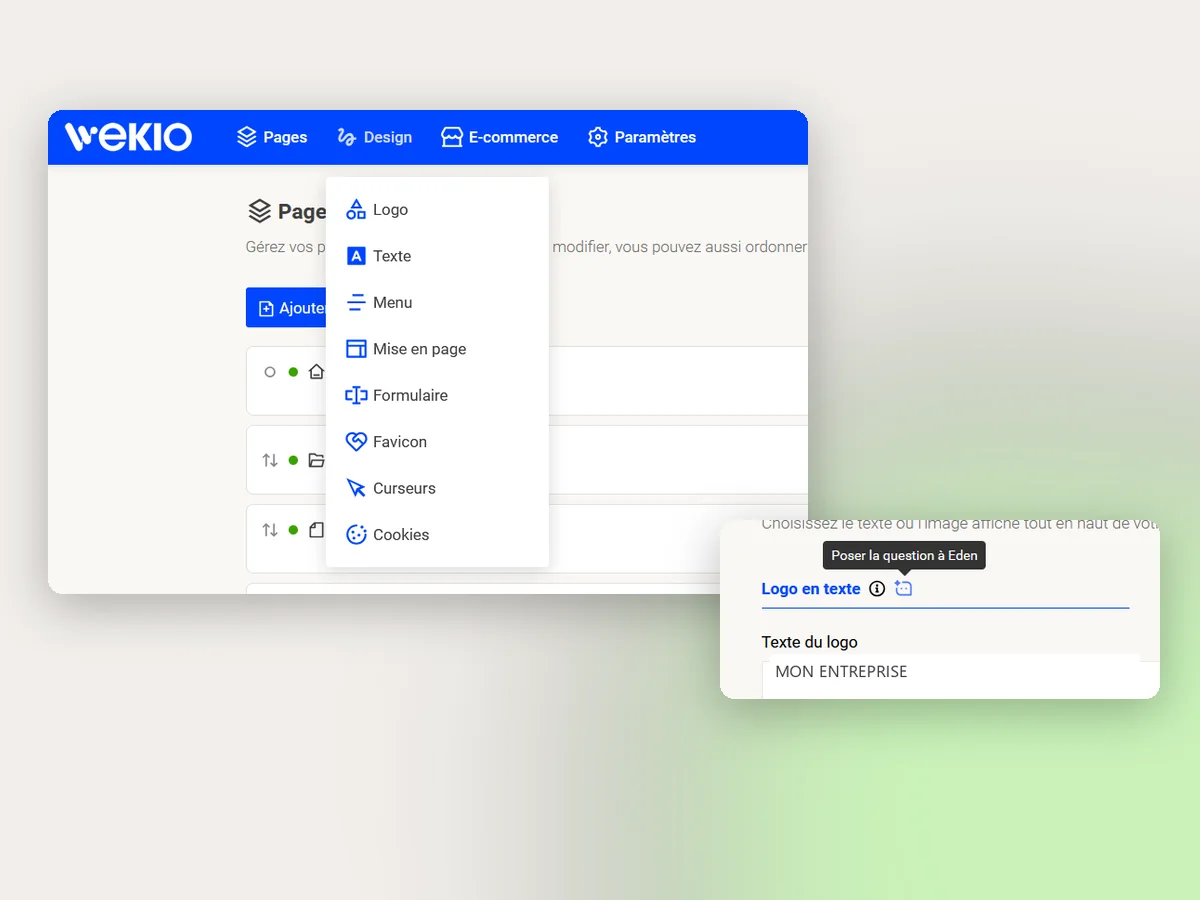
- The context of the management interface: Eden knows where every setting lives and guides step by step (“Design, then Layout, then Site background colour”).
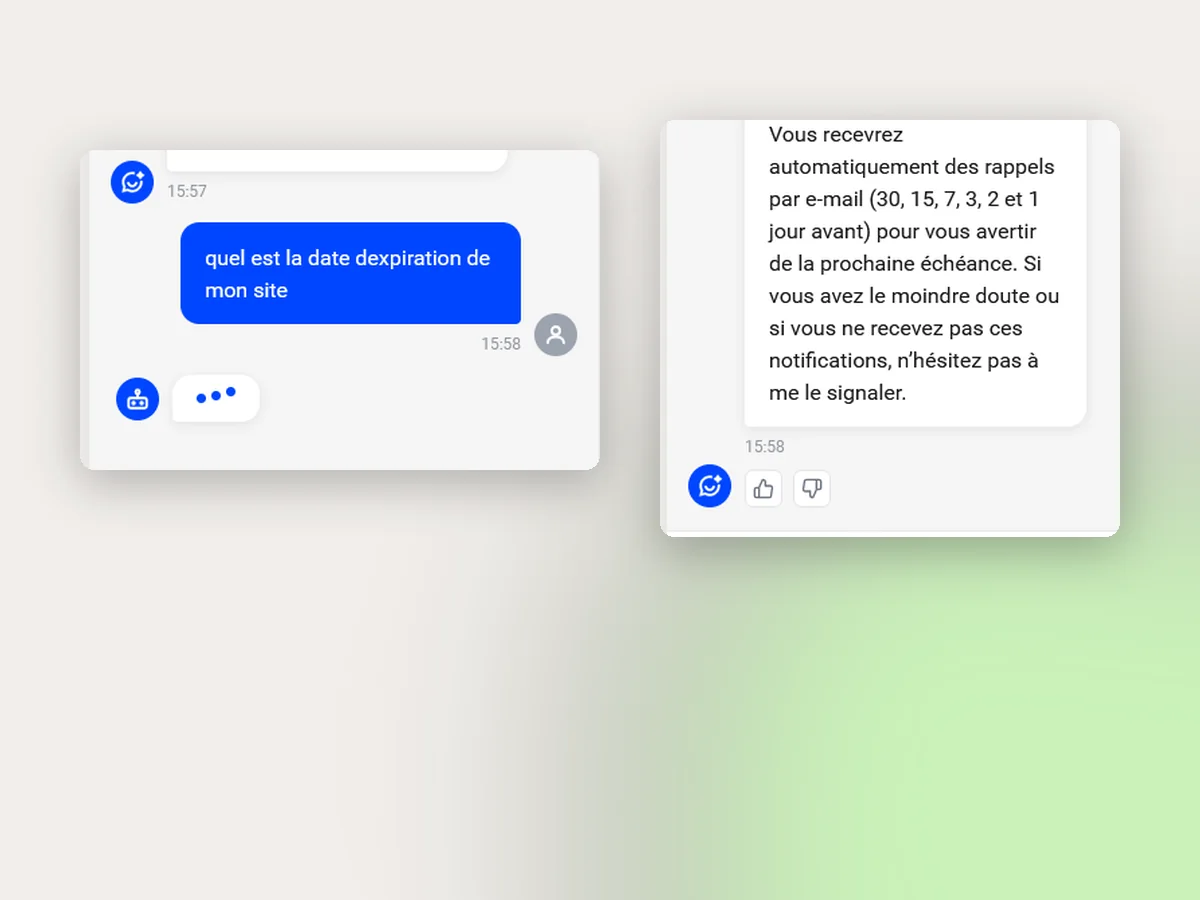
- The account context: the client’s name, the site’s expiry date, whether an e-commerce offer is active, the current date and time, for personalised answers.
- Conversation memory: Eden keeps the thread, can be asked to re-explain or detail a point, and the whole conversation history stays available.
- A multilingual assistant that can also translate or correct a text it is sent, and answer commercial questions: invoice, subscription, reaching human support.
- Integration in the interface: an icon next to the fields to ask Eden without leaving the page, and the widget available across the dashboard.
- An administration area for Wekio: feed and edit Eden’s knowledge, track the satisfaction rate of the answers (thumbs up or down) and improve what disappointed.
- Follow-up after launch: review of ratings and unanswered questions, enrichment of the base, and roll-out of Eden’s updates with no interruption for users.
Features
What Eden can do
- Answer from the platform’s FAQ: find the answer, process the message, reply in plain language.
- Guide through the management interface, menu by menu, down to the right field.
- Know the account: the client’s name, the site’s expiry date, whether e-commerce is active, date and time.
- Keep the context of the conversation and come back to a point already covered; full conversation history.
- Translate and correct a text it is sent; answer in the nine languages of the interface.
- Commercial support: get an invoice, understand the plan, reach human support.
On Wekio’s side
- Widget across the whole dashboard and an “Ask Eden” icon next to the fields.
- Free for every user of the platform.
- Administration interface to enrich and edit Eden’s knowledge without a developer.
- Rating of every answer (thumbs up / down) and analysis of the satisfaction rate.
- Hand-over to the team when a question is out of scope, with the context of the conversation.
- Conversation history available to the user and to Wekio.
How we went about itSeven phases, from the support ticket to an assistant that learns
An assistant is only useful if it answers correctly. The project therefore started from users’ real questions and from the Wekio interface, long before choosing a model. Each phase produced a verifiable deliverable, and the last one feeds the second: what Eden cannot answer today enriches its knowledge base tomorrow. This method, and the internal interface that comes with it, are what make Eden a genuinely powerful assistant rather than a chatbot plugged into a FAQ.
Every thumbs-down, every unanswered question and every change in Wekio flows back into the base and the assistant
01. Needs analysis
Understand what users really ask.
- Interviews with the Wekio support team
- Reading tickets and listing recurring questions
- Mapping the interface: menus, pages, fields
- Eden’s scope: what it answers, what it hands over, in which languages
DeliverableScope and hand-over rules
02. Knowledge base
Give Eden reliable sources, and nothing else.
- Complete FAQ structured as questions and answers
- Step-by-step procedures for every setting of the interface
- Account data made available: name, site expiry, active e-commerce
- Access rights: Eden only reads what is validated
DeliverableA base the assistant can consult
03. Assistant development
Build Eden and its integration into Wekio.
- Answer engine: search in the base, message processing, wording
- Interface and account context, date and time
- Conversation memory, history, translation and correction
- Dashboard widget and icon next to the fields
DeliverableEden in pre-production
04. Wekio’s internal interface
Give Wekio control over Eden, without a developer.
- Administration area: add, edit, remove questions and answers
- Statistics dashboard: conversations, languages, topics
- Satisfaction rate per answer, thumbs up and down
- Unanswered questions and conversation history to review
DeliverableAdministration and statistics interface
05. Tests
Check the answers before showing them to clients.
- Set of real questions taken from tickets, in the nine languages
- Hard cases: out-of-scope questions, ambiguous wording
- Review of the answers with the support team
- Corrections to the base and the hand-over rules
DeliverableValidation by the Wekio team
06. Deployment
Open Eden to everyone, smoothly.
- Progressive release on the dashboard
- Free for every user of the platform
- Conversation history kept
- Monitoring of the first real exchanges
DeliverableEden live for every user
07. Follow-up and updates
Make Eden better from real use.
- Regular review of ratings and unanswered questions
- Base enriched and corrected from the internal interface
- Assistant updates rolled out with no interruption for users
- New Wekio menus and languages taken into account as the platform evolves
DeliverableAn assistant that improves with every update
WekioWhat the project brings
Users get an immediate, personalised answer, at any time and in their language, without leaving the interface; the support team focuses on the requests that really need its expertise, and Wekio sees, answer by answer, what needs improving.
Our workMore of our work
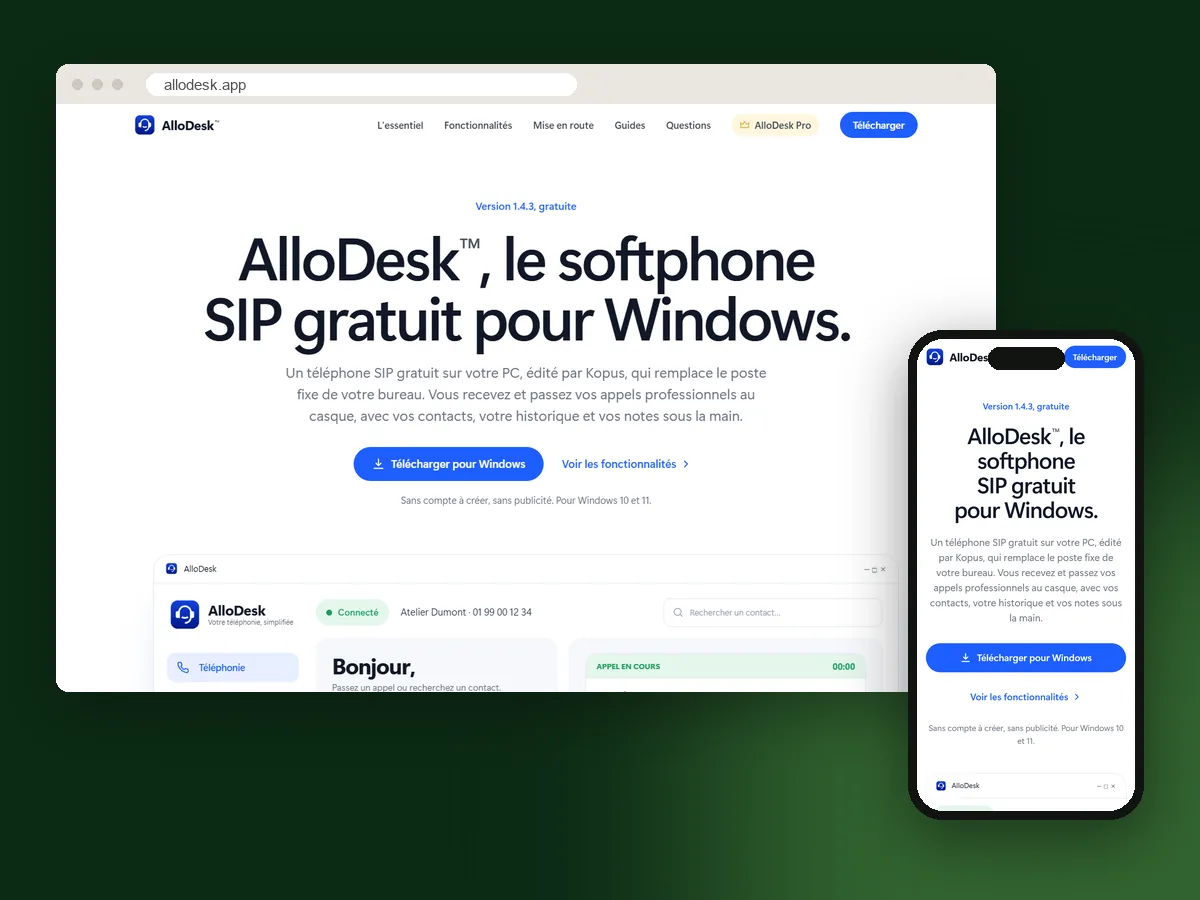 Software
AlloDesk, the free SIP softphone for Windows
A softphone designed, built and published by Kopus: take and make business calls from the computer, with a headset, with contacts, call history and notes at hand. Free, with no account and no advertising; AlloDesk Pro adds the features of a phone system. Discover the project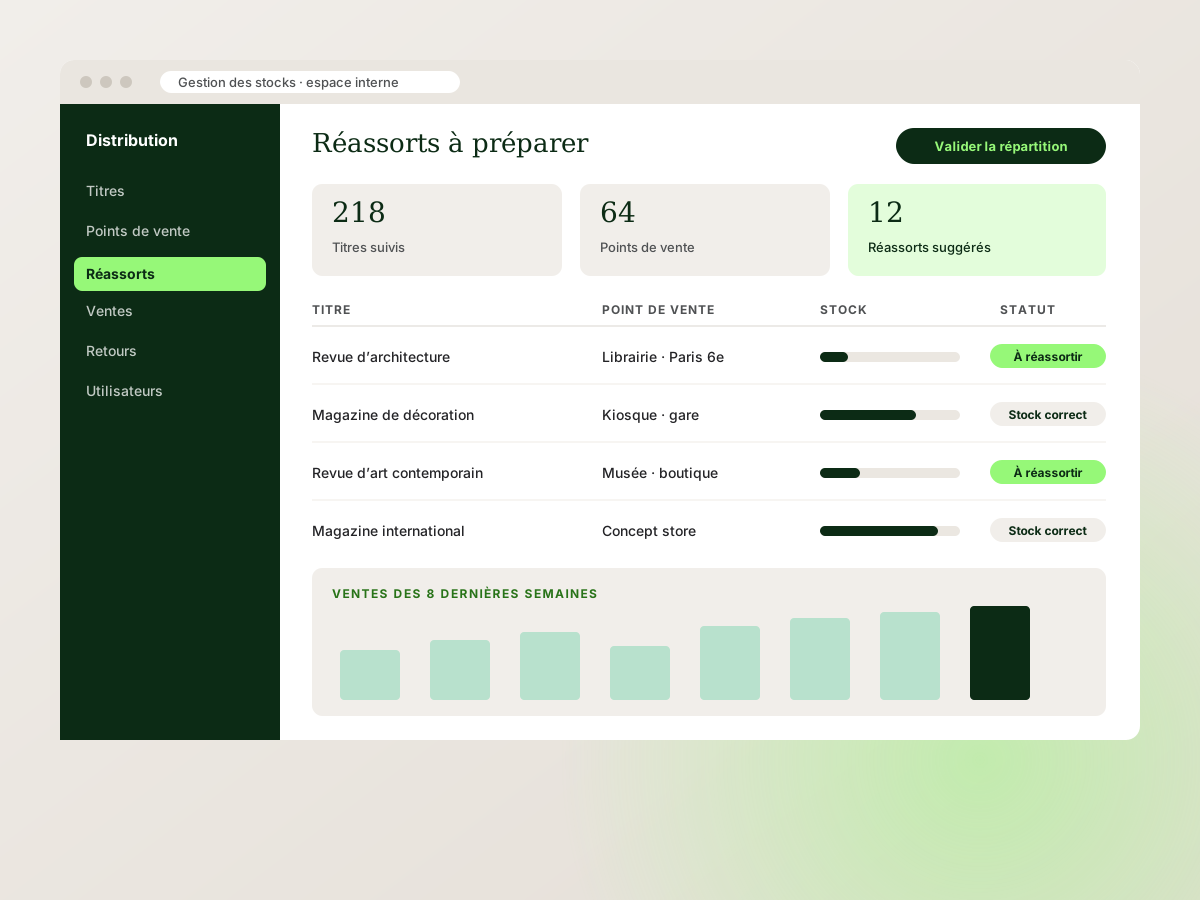 Business software
IPS Diffusion, an internal stock management interface
An internal web application to track titles, stock, sales and restocking for a specialist press distributor. Discover the project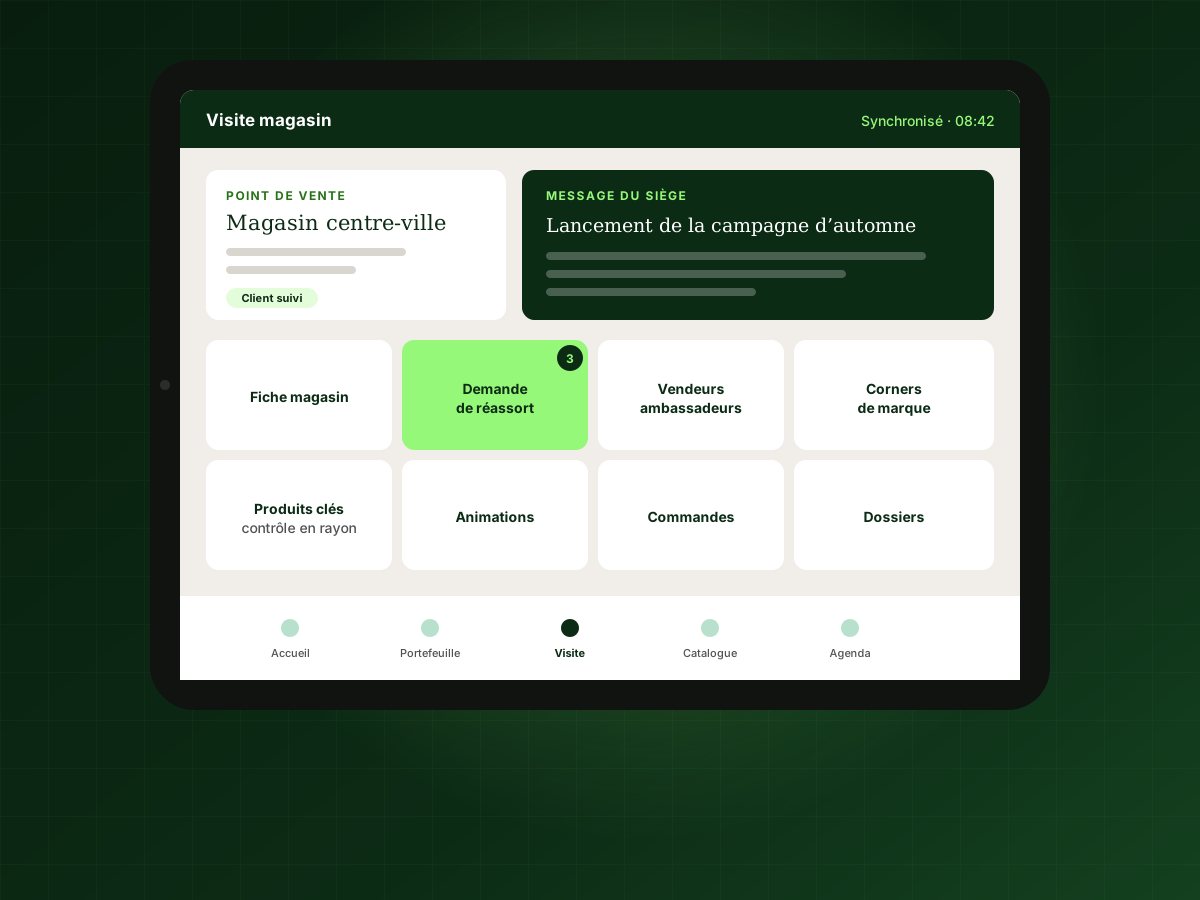 iPad app
An iPad app for the field sales force
A large-scale app for the sales reps of an international sportswear brand: a profile for every store, key product checks, restocking, in-store events, sales staff and brand corners. Discover the projectLet’s bring your projects to lifeYour next project starts here.
A rough idea, a precise challenge or an ambition to make real? Write to us. A first conversation often helps clarify what needs doing, in what order, and what is not necessary. No commitment, no jargon.